Free
£0 forever
Bring two properties together and share the page with the people helping you decide.
- Unlimited side-by-side comparisons
- Saved comparisons and shareable links
- Account required to create and save
- No AI or monitoring
From new listings to a clear shortlist. Tell us where you want to live and what matters. Monitor supported searches, review potential matches, and compare your strongest options with AI on eligible plans.
Monitoring & AI from £10/mo. Eligible accounts get a 30-day trial.
Free: unlimited comparisons and sharing. No AI or monitoring. Compare plans


Demo screen with sample properties. Not live availability.
One place to take a new listing from “maybe” to “worth a viewing”.
“A three-bedroom home in East London, up to £650,000. A garden matters, and we want to check the journey to work.”
Review the searches set up for your hunt. New candidates arrive for you to assess; they are not automatically added to your shortlist.
Illustrative walkthrough. These are fictional properties and questions, not live listings, an AI result, or a customer story.
| What matters |  | |
|---|---|---|
| Asking price | £625,000 | £600,000 |
| Bedrooms | 3 | 3 |
| Outside space | Garden listed | Courtyard listed |
| Still to check | Garden size and upkeep | Whether the courtyard is private |
Your next check: try both commutes at the time you would actually travel. A listing description cannot confirm that for you.
Examples are free to view. No account needed.
Discovery, review, shortlist, decision. Keep the context as your search moves forward.
Describe your location, budget, priorities, and deal-breakers. Verify your email and review your hunt setup.
Your brief and configured searches
Monitoring checks supported search URLs and brings new candidates into your review queue.
Candidates to review
Keep the homes worth a closer look and dismiss the rest. You choose what makes the shortlist.
A shortlist you control
Compare two serious options, share the page, and use AI on eligible plans to explore trade-offs and next checks.
A shared decision and questions to follow up
Finding a listing is the start. The hard part is working out whether it deserves your time—and agreeing on it with someone else.
See the decision workspace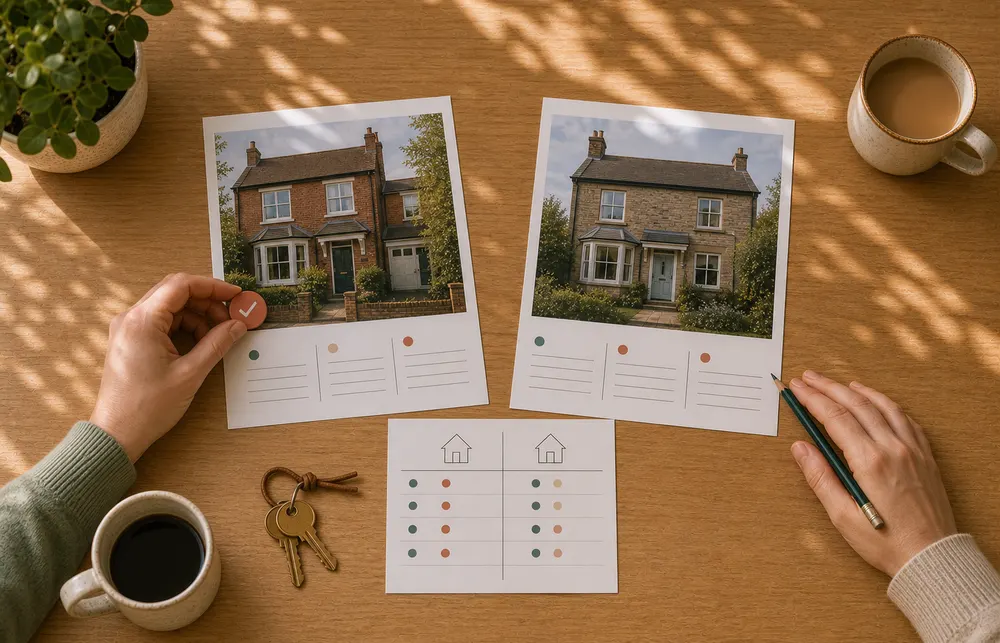
Explore example comparisons to see how property details sit side by side. Examples demonstrate the workspace; they are not verified buyer outcomes.

Unlimited comparisons on every plan. Paid plans add monitoring and AI, with a 30-day trial for eligible accounts.
£0 forever
Bring two properties together and share the page with the people helping you decide.
£10/mo
Keep an active search moving with monitoring and AI assistance.
£20/mo
Go deeper when you are weighing up your strongest options.
After the trial, use Free for comparisons and sharing, or choose a paid plan to keep AI and monitoring. See full pricing details.
Monitoring currently supports Rightmove property-for-sale searches. Your hunt uses configured search URLs; it does not cover every portal or every home on the market. Other portals may support individual listing imports without supporting ongoing monitoring.
Start with a brief describing your location, budget, and priorities, then verify your email. Review your hunt setup and monitored search URLs. Listings from those searches enter a review queue; you choose what to shortlist. Some preferences still need checking in the listing or at a viewing.
Active, eligible hunts are checked on their configured schedule, with daily checks as the default. You can request an additional check from your hunt. Processing and source availability can cause delays; these are not real-time alerts.
Candidates come from your configured portal searches. Fit signals use available listing information such as price, bedrooms, and priority keywords. A match is a starting point for review, not confirmation that every requirement is met.
An account is required to create and save your own hunt or comparisons. You can explore the examples and view a shared comparison without signing up.
Basic includes AI assistance. Full adds deep comparative analysis with reasoning, trade-offs, and a pre-offer checklist. AI can miss details or draw the wrong conclusion, so check important facts with the listing agent and at a viewing.
Eligible accounts can try paid capabilities for 30 days. Afterwards, Free keeps unlimited side-by-side comparisons and sharing, without AI or monitoring. Choose Basic or Full to continue using paid capabilities.
Yes. Share a comparison link with a partner, family member, or adviser so you can review the same properties and trade-offs together. They do not need an account to view it.